6 min read
Co-Managed IT vs. Fully Managed IT: Which Is Right for Your DFW Business?
 Sagiss, LLC
Published: June 18, 2026
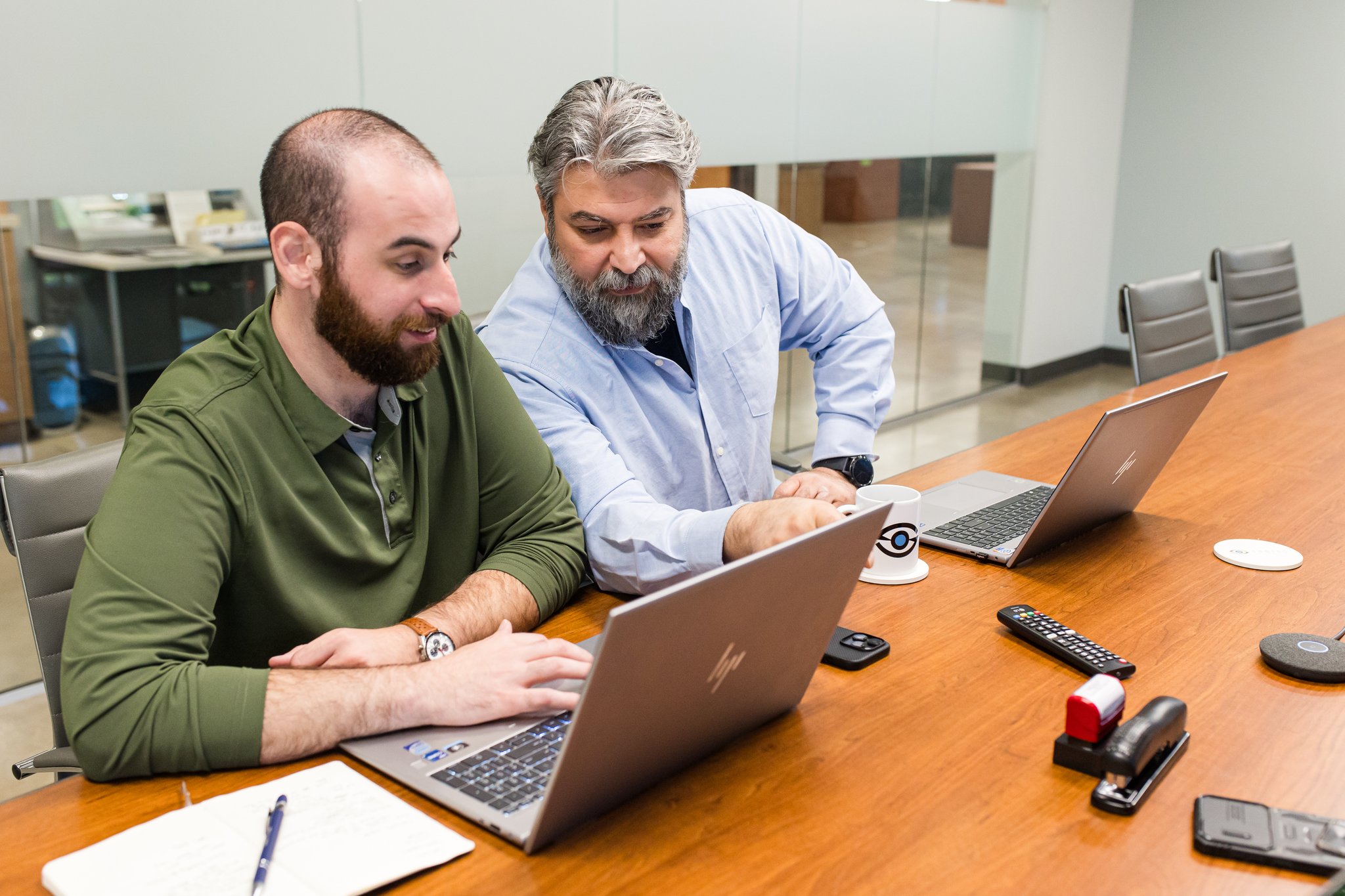
While the Dallas-Fort-Worth metro area boasts a thriving small and medium-sized business community, SMBs still struggle to properly staff their IT departments.
Fortune 500 companies and other large enterprises regularly outbid smaller operations for top tech talent. In addition, while general IT workers are relatively common in the DFW area, businesses in the heavily regulated industries of healthcare, finance, and logistics need specialized, compliance-literate IT workers. As well as being harder to find, a specialist's salary can strain internal IT budgets.
Many SMBs work around this issue by partially or completely outsourcing their IT team to external providers. While this solution can solve many budgetary and tech support problems, it’s important to consider your company’s specific needs before deciding whether fully managed or co-managed IT in Dallas is right for your business.
Co-Managed vs. Fully Managed IT: The Core Difference
At their core, co-managed and fully managed IT models differ in accountability and ownership.
Co-managed IT means augmenting your existing internal tech staff with an external Managed Service Provider (MSP). You retain your IT director or internal tech team and share IT responsibilities with outsourced staff.
Fully managed IT outsources your entire tech staff to an MSP, allowing your company to function with zero internal IT staff. Everything from basic helpdesk questions to executive-level strategic roadmaps can be handled by your MSP.
In simple terms, if you already have an IT team and need help extending your reach, co-managed IT can help. On the other hand, if you don’t have an IT team, fully outsourced IT support can take care of all your key responsibilities. In either case, Sagiss managed IT services can meet your needs.
When Co-Managed IT Makes Sense for Your DFW Business
If your business already has a lean IT staff, you may find they’re preoccupied with resetting user passwords, onboarding new employees, or fixing printers. Such essential but basic tasks often keep IT teams from working on high-level strategic projects like cloud migrations. This creates a risk of burnout for your internal staff if they feel more stifled than stimulated by their work responsibilities.
You may also find that your generalist IT workers lack the specialized skills to handle major responsibilities such as cybersecurity. This can become a huge issue as digital threats evolve and put your SMB at risk of cyberattacks.
Likewise, if you work in a heavily regulated industry like healthcare, your IT team may need to face extreme compliance audits that can strain their capabilities.
Co-managed IT in Dallas can support your existing IT. By keeping your internal IT manager, you retain your team’s deep understanding of your company’s workflows. But you also gain access to skilled partners to provide managed security services or handle the precise data trails required by auditors.
You can also use external providers to take over repetitive maintenance duties, freeing your internal staff to work on more strategic business projects that encourage employee retention.
And because you’re not hiring full-time internal staff, you can gain this extra support and expertise at a fraction of the usual cost. Hybrid managed IT in DFW makes it feasible and logical for more SMBs in the area to operate with partial IT staffing.
When Fully Managed IT Is the Better Fit
In other cases, adopting a fully managed IT model that requires no internal IT makes more sense.
Recruiting, onboarding, and retaining talent is a costly and risky process. This is especially true in the DFW metroplex, where a larger company can lure your IT staff away with the promise of a larger salary. Without an IT team, your entire operation is at risk of cyberattack, supply chain disruption, and other expensive logistical issues.
Outsourcing your IT needs to an external MSP turns your IT department into a predictable resource. Your MSP handles all hiring risks and training costs. If an IT staff member leaves, the MSP replaces them for you, giving you 24/7 coverage with no vacation or sick leave gaps.
Plus, though fully managed IT might be more expensive than co-managed services, the predictable costs can make it easier to factor fully managed IT expenses into your budget.
Cost Comparison: What To Expect in Dallas
How much does investing in co-managed or fully managed IT services cost in the DFW area?
According to USM Technology, co-managed IT Dallas services typically cost $50–$150 per user/month. Fully managed IT requires an investment of $120–$250 per user/month.
Thus, an SMB in the DFW area that requires a co-managed IT staff of 50 users, at a cost of $90 a user, would pay $4500 a month to support their existing internal IT team.
An SMB that requires a fully managed IT model would typically pay more per user. For a fully outsourced staff of 50 users, at a cost of $175 per user, they would pay $8,750 a month.
Depending on how the MSP bundles its services, some SMBs may have to pay more for additional resources, such as additional cybersecurity tools, creating more expenses. And keep in mind that the estimated co-managed costs do not include the pre-existing costs of your internal IT staff’s salary and benefits.
What Is the Cost-Effective Choice for Your Business?
In general, SMBs with an internal IT staff and limited budgets are better served with co-managed IT models. On the other hand, SMBs with high security risks and compliance requirements typically find that the fully managed IT model provides faster response times, stronger cybersecurity, and predictable costs.
As the DFW area continues to rank as one of the fastest-growing tech markets, SMBs will face unique hiring and retention pressures. Small and mid-sized companies that operate in highly regulated industries like finance and aviation must compete with larger companies to recruit and retain highly skilled, compliance-literate IT workers.
Being able to hire only a partial IT staff also makes it harder to keep your business operating smoothly, especially as your company’s needs change. Your SMB needs to remain agile and capable of scaling your IT support, especially if you want to expand and provide the flexible, hybrid-friendly culture offered by larger corporations.
Outsourcing your IT department to an external MSP or augmenting your existing internal staff with a co-managed IT model provides the ability to quickly adapt to rapid changes in the DFW tech marketplace. By working with MSPs like Sagiss that match your needs, you can stay competitive in your industry and focus on growth while the MSP helps manage IT for your business.
Control, Ownership, and How the Partnership Works
One question that concerns many SMBs is how much control they need to turn over to an external MSP in co-managed vs. fully managed IT models. While both models allow companies to retain strategic control, your operational control will change in a fully managed IT system.
In a co-managed model, your internal IT director and team retain operational and strategic control over your systems. The MSP provides a specialized extension for your internal staff to provide technical expertise or help meet deadlines. The MSP might:
- Work alongside your internal staff to monitor and neutralize cyber threats 24/7
- Provide advanced engineering expertise to redesign your corporate network before turning control back to your internal team for daily administration.
- Handle emergencies like database corruption or server crashes, saving your team from hiring expensive niche specialists
In a fully managed model, the MSP is your IT department. Instead of an internal team, the MSP handles all of your day-to-day IT operations, including:
- Helpdesk support
- Employee onboarding and offboarding
- Firewall and Wi-Fi management
- ISP vendor management
- Proactive maintenance and security operations
However, the MSP does not own your data or workflows. In addition, all your business's infrastructure decisions are still made at the executive level. You must approve or deny any budget, security, or policy changes recommended by the virtual Chief Information Officer (vCIO) for any action to take place.
How To Decide: Questions to Ask Your DFW Business
To help decide if a co-managed or fully managed IT model is right for your DFW business, it’s useful to take a close look at your current setup and needs. Ask yourself these questions.
Do you already have IT staff?
Do you currently have at least a single full-time, W-2 IT employee? Is this employee an official IT manager, or a tech-savvy worker dividing their time between your IT department and their actual job responsibilities?
If you don’t have any official IT staff, then a fully managed IT model is generally the way to go. Likewise, if your tech-savvy worker is drowning in tech support requests, then a fully managed IT model can free them from these tasks to return to their actual job.
On the other hand, if you have a small internal IT team, a co-managed IT model lets you protect your assets with an IT director familiar with your workflows, providing the MSP with a clearer direction.
Are you experiencing turnover or retention problems in your IT team?
Many SMBs in the DFW area find that their mid-market talent can be lured away by larger businesses with bigger budgets. If your internal IT workers keep leaving to work at other companies, proactively outsourcing your IT department to an external MSP can prevent expensive IT management problems down the line.
Does your IT staff have any specialized skill gaps?
If your existing IT team is made up of only generalists, you could experience issues if you need high-tier IT tasks. Using a co-managed IT model gives you access to IT support in Dallas with specialized expertise at a fraction of the cost of hiring a more expensive full-time specialist.
Will your business be expanding or merging with another company?
A fully managed IT model can offer standardized onboarding processes for new employees if you expand into new offices, warehouses, or clinics. On the other hand, a co-managed IT model can maintain a project management framework to keep your daily operations from being disrupted as you merge or acquire new companies.
To decide whether a fully or co-managed IT model is right for your company, it’s useful to talk to an IT advisor. Contact Sagiss for an in-depth consultation and turn today’s technology into your future strategic advantage.